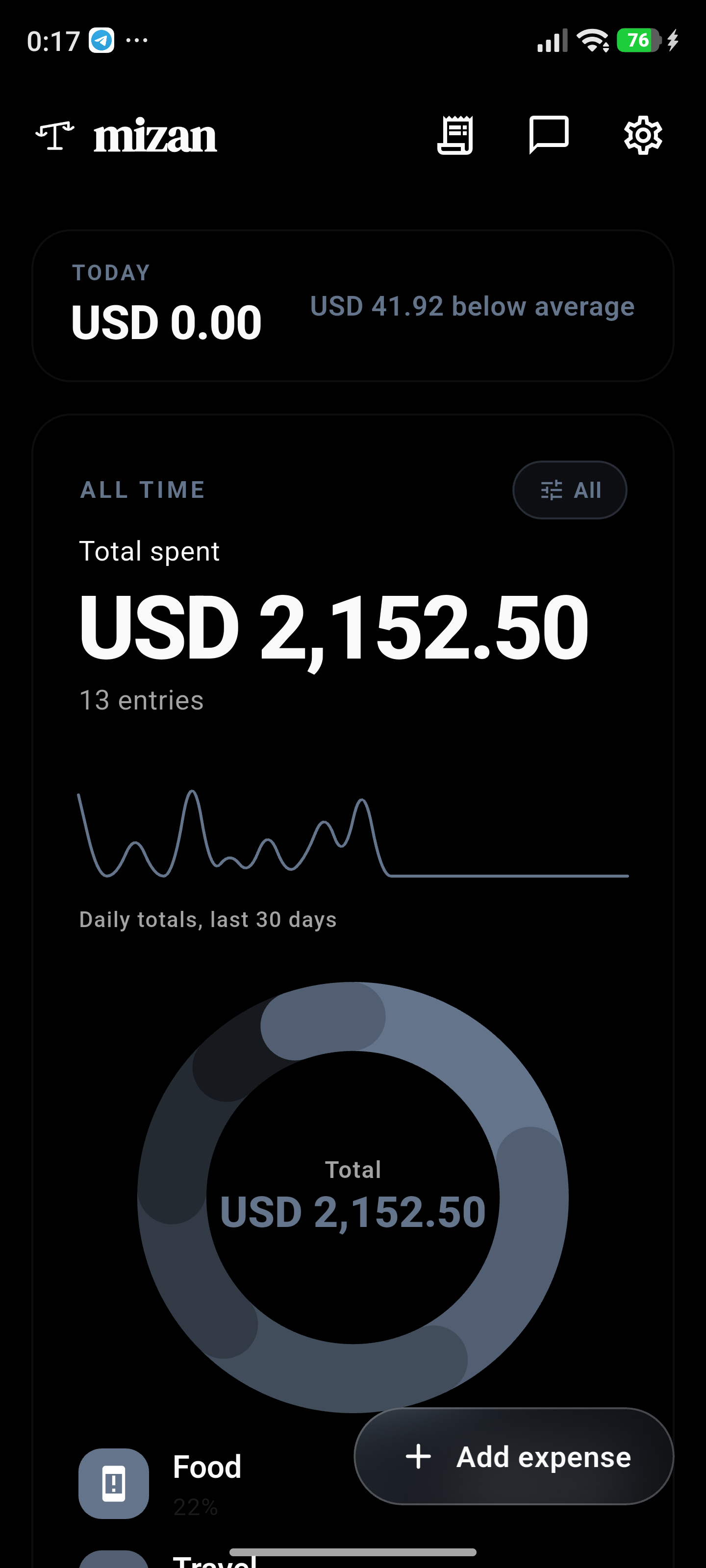
01
Local-first
Your financial data lives in a database on your phone - never synced to a server, because there is no server.
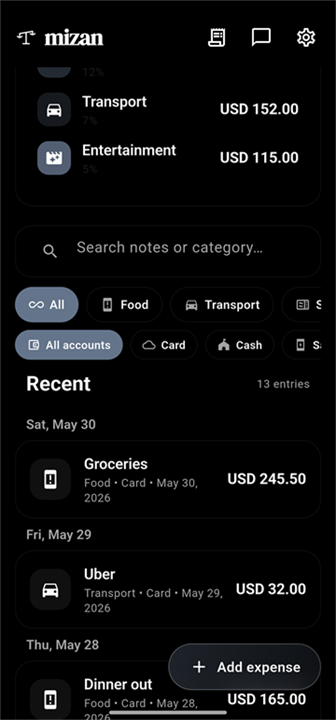
Privacy-first expense tracker built around that promise. No accounts. No analytics. No telemetry. The optional AI assistant uses an API key you provide - there is no Mizan server in the middle.
On Google Play now. iOS coming soon.
Your financial data lives in a database on your phone - never synced to a server, because there is no server.
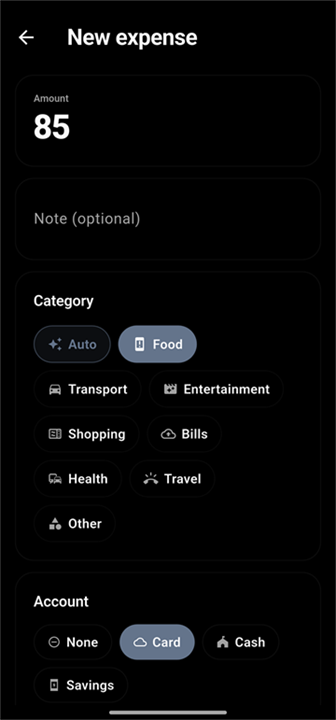
No signup, no email, no advertisements, and zero analytics or telemetry. Open it and start.
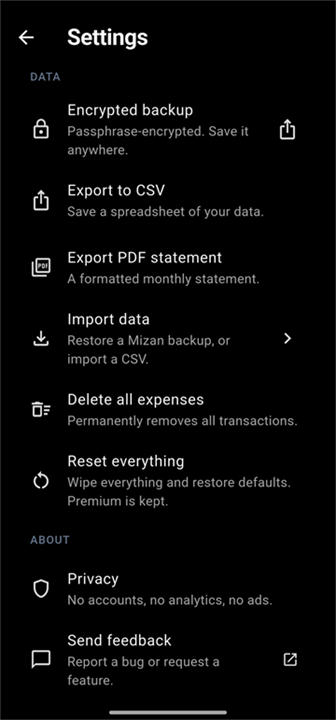
AES-256-GCM with your passphrase as the only key. You choose where the file goes. Lose the passphrase and not even we can recover it.
Unless you tap a button that explicitly sends it somewhere - and we show you exactly what gets sent before it goes.
Given the data boundary above: AI is optional, opt-in, and uses your API key directly - we never proxy or store anything.
Bring your own key from OpenAI, Anthropic, OpenRouter, Groq, Gemini, DeepSeek, or any OpenAI-compatible endpoint (including a self-hosted Ollama on your LAN). Mizan never proxies through a server because there is no server.
Premium unlocks Mizan AI: private models we build and tune for your money, running entirely on your device. No API key, no cloud, no account, not even ours. Ask about your spending in airplane mode and it still answers, because the model lives on the phone.
Tap a model to see what it takes to run.
No account, no sync, no telemetry. The binary matches the marketing copy - verifiable with airplane mode. Mizan only touches the network if you opt into the AI assistant.
PBKDF2-SHA256 (600,000 iterations) + AES-256-GCM. You pick the passphrase, you pick where the file goes - Drive, iCloud, USB stick, email to yourself. Nothing leaves your device unless you put it there.
Bring your own key from OpenAI, Anthropic, OpenRouter, Groq, Gemini, DeepSeek, or any OpenAI-compatible endpoint (including a self-hosted Ollama). Mizan never proxies through a server because there is no server.
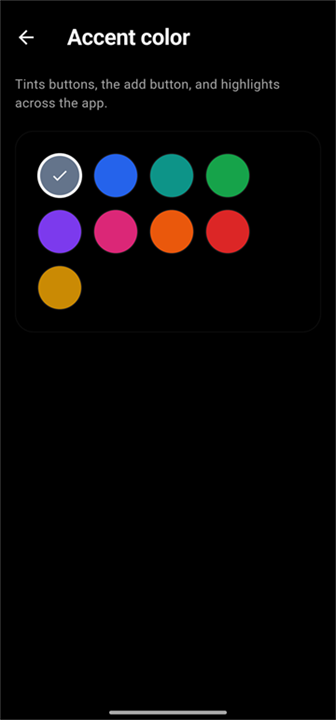
Home-screen widgets refresh the moment you add an expense, edit a budget, or restore a backup - no stale numbers waiting for the next launch. AMOLED-friendly. Multiple sizes.
Every major expense tracker syncs your data to a server. Mint did it. YNAB does it. Monarch and Copilot do it. The pitch is always the same - "your data, accessible everywhere" - and the trade is always the same: the most revealing dataset you own gets a permanent home on someone else's machine.
Mizan refuses the trade. Your spending log is a SQLite file in the app's private sandbox on your phone. We don't have a copy. There is nothing on a server because there is no server. If you uninstall the app, the data is gone - same as a paper notebook thrown in the bin.
The optional AI assistant is the only thing in the app that touches the network, and only when you actively use it. When you ask the assistant a question, a summary of your recent expenses (last 30 / 90-day totals, top categories, last 15 entries) goes in HTTPS to the provider you chose, using the API key you supplied. That provider's privacy policy governs what happens next - read it before you configure them. The Mizan app, the Mizan developer, and any Mizan infrastructure does not see, log, store, or process that traffic in any form.
If you don't configure an AI provider, Mizan makes zero outbound network requests. You can verify this with any network monitor or by running the app in airplane mode - the chat and voice-entry features will simply stay disabled.
Want fully local AI? The simplest way is Mizan AI
(Premium), which downloads a model that runs on your phone with no
network at all. Prefer your own server? Run Ollama
on your computer and point Mizan at it via the Custom
OpenAI-compatible template (Base URL:
http://<your-LAN-IP>:11434/v1). Traffic stays on
your local network.
Forever, no asterisk.
Cancel any time.
~58% off vs monthly.
Once. Done.
| Mizan | Cloud trackers (YNAB, Monarch, Copilot) | |
|---|---|---|
| Your data lives | On your phone | On their servers |
| Account required | No - no signup, no email | Yes |
| Works fully offline | Yes, by default | No - built around sync |
| AI | Optional, your own key - or none | Built-in, runs on their cloud |
| Pricing | Free tier, plus monthly, yearly, or pay-once lifetime | Subscription |
Cloud trackers are genuinely convenient - automatic bank sync is their whole point. The trade is that the most revealing dataset you own gets a permanent home on someone else's machine. Mizan refuses that trade.
In a local SQLite database inside the app's private sandbox on your phone. There is no Mizan server - nothing is uploaded, synced, or mirrored anywhere unless you explicitly export it yourself.
If you made an encrypted backup (Settings → Encrypted backup), install Mizan on the new phone and restore the .mizan file with your passphrase - everything comes back.
If you never made a backup, the data is gone with the phone. That is the honest cost of no cloud: we can't recover what we never had.
No. No signup, no email, no password. Install it and start.
You bring your own API key from a provider you choose (OpenAI, Anthropic, Gemini, Groq, OpenRouter, DeepSeek, or a self-hosted Ollama). Requests go straight from your phone to that provider over HTTPS - Mizan never sees or proxies them. Before anything is sent, a "What gets sent?" card shows you the exact payload.
Don't want AI at all? Leave it unconfigured and Mizan makes zero outbound network requests - verifiable in airplane mode.
The free tier is free forever - unlimited transactions, encrypted backups, CSV import/export, PIN and biometric lock, no ads. Premium unlocks the AI assistant, unlimited categories, budgets, recurring entries and accounts, receipt photos, and the home-screen widget - monthly, yearly, or a pay-once lifetime.
It's planned and the app is built on a cross-platform stack, but there's no date to promise yet. Android ships first.